Files stay hidden until unlocked
The storage space does not appear on the connected device until an enrolled fingerprint or the included security token unlocks the drive.
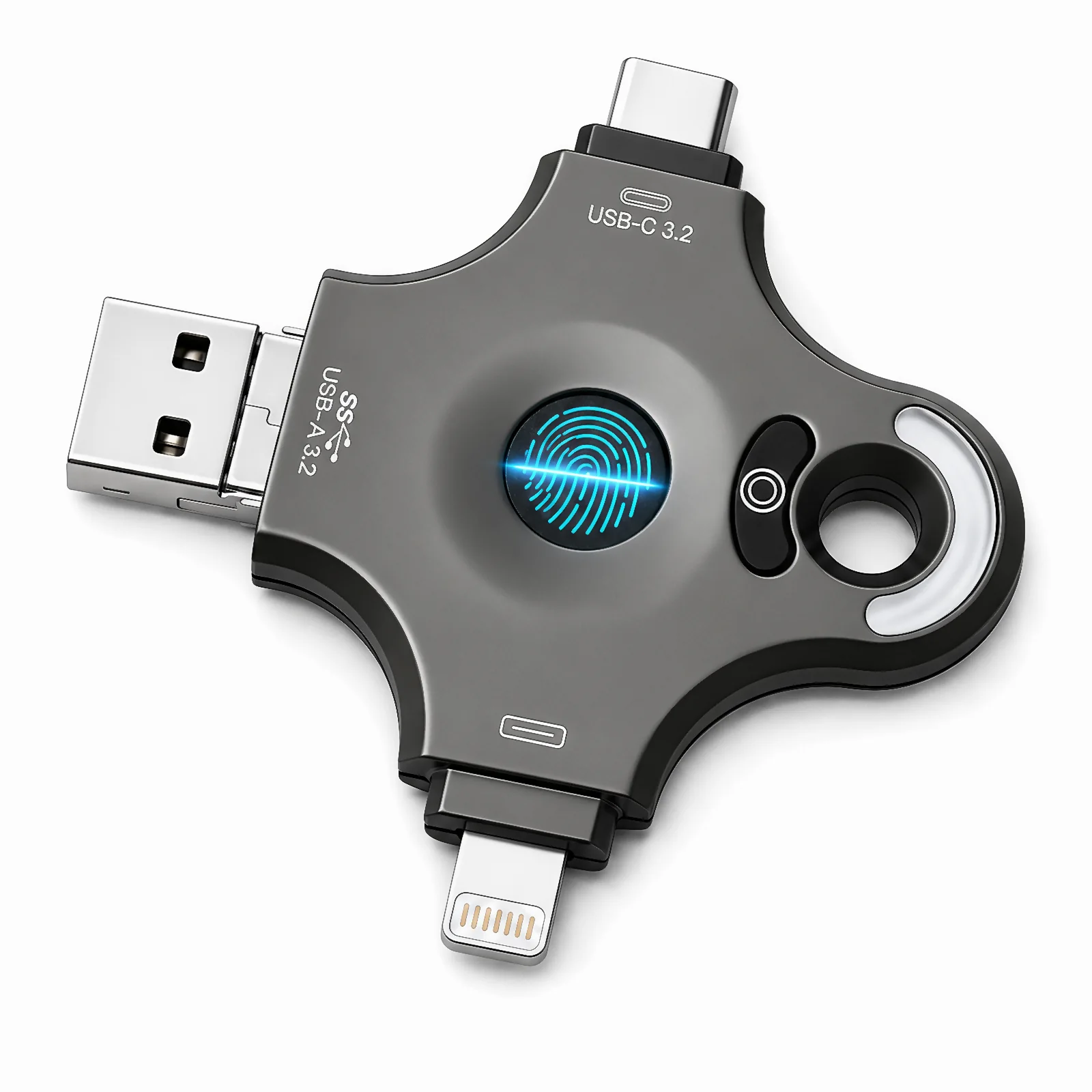
Available now · 128GB
Hardware access control keeps storage hidden until an enrolled fingerprint or the included security token unlocks it. Fingerprint management works without a third-party app, driver, or desktop software.
Reference price only. Current price and availability are shown on Amazon. *The connected device and operating system must support external USB storage.
Why it is different
The storage space does not appear on the connected device until an enrolled fingerprint or the included security token unlocks the drive.
Fingerprint enrollment and management are handled directly by the drive hardware.
Move files between supported computers, phones, and tablets with fewer adapters.
Enroll up to 60 fingerprints for multiple fingers or flexible authorization.
Resetting or deleting enrolled fingerprints does not erase files already stored on the drive.
A closer look

From treasured possessions in locked chests to vital records secured in safes, what matters has always been kept behind a lock. Today, important digital files deserve the same thoughtful access control.

This fingerprint USB drive keeps its storage hidden and inaccessible until unlocked with an enrolled fingerprint or the included security token, adding hardware-based access control for sensitive work and personal files.

Before unlocking, this fingerprint USB drive cannot be recognized or accessed by the connected device, so its stored files cannot be viewed.

Once your fingerprint is verified, this fingerprint USB drive becomes visible to the connected device, allowing normal file access, reading, and writing. Before verification, the storage remains hidden and inaccessible.

Some fingerprint USB drives require an app before you can enroll or use a fingerprint. That creates a troubling contradiction: a product designed to protect private files first asks you to trust unfamiliar software with your privacy.

Our fingerprint USB drive works without extra apps, drivers, or computer software. Add, verify, and manage fingerprints right on the drive itself for simple, hardware-based access control on devices that support external USB storage.

Built for flexible file access, this multi-device flash drive combines USB-C, USB-A, Lightning, and Micro USB. No third-party app or driver is needed for use with supported Windows, Linux, macOS, iOS, and Android devices that accept external USB storage.
Technical information
Measured performance can vary with the connector, device, operating system, file type, and environment.
Product FAQ
These answers describe confirmed product functions and important limits.
It controls access to the drive's storage. Before the drive is unlocked, the storage space remains hidden and inaccessible on the connected device. After unlocking, files can be read and written normally.
No. Fingerprint enrollment, recognition, and management are handled by the drive hardware without a third-party app, driver, or desktop management program.
No encryption method such as AES-256 is claimed. The product uses a hardware fingerprint lock to control access; it should not be described as an encrypted USB drive.
The drive supports compatible Windows, Linux, macOS, iOS, and Android devices that accept external USB storage. Available file-management functions can vary by device and operating system.
Up to 60 fingerprints can be stored. This supports enrolling multiple fingers or authorizing access according to your needs; it does not necessarily mean 60 separate users.
The physical security token can unlock the drive and delete all enrolled fingerprints. It is an alternative unlock method, not a second factor that must be used together with a fingerprint.
Already enrolled fingerprints can still unlock the drive and manage fingerprints. Keep the token in a safe place so it remains available as a backup method if fingerprint access is unavailable.
No. Fingerprint management and file storage are separate, so resetting or deleting fingerprints does not erase the files already stored on the drive.